Secure Document & Dataroom Sharing
Share sensitive documents with confidence using secure links, granular access controls, and dataroom-level permissions.
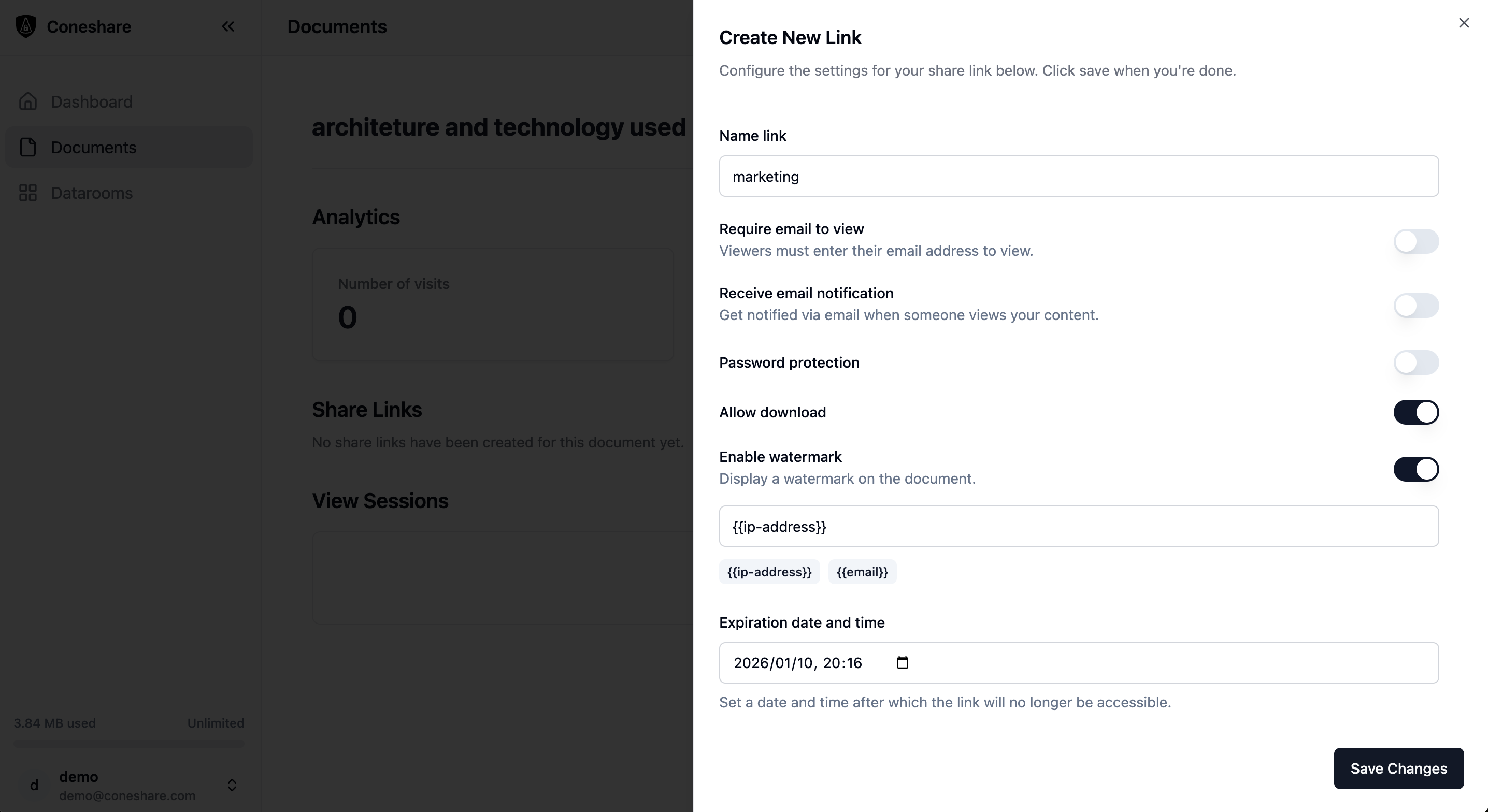
Granular Access Control
Protect every link with robust security settings including password protection, email verification, download restrictions, and link expiration. You have full control over your shared content.
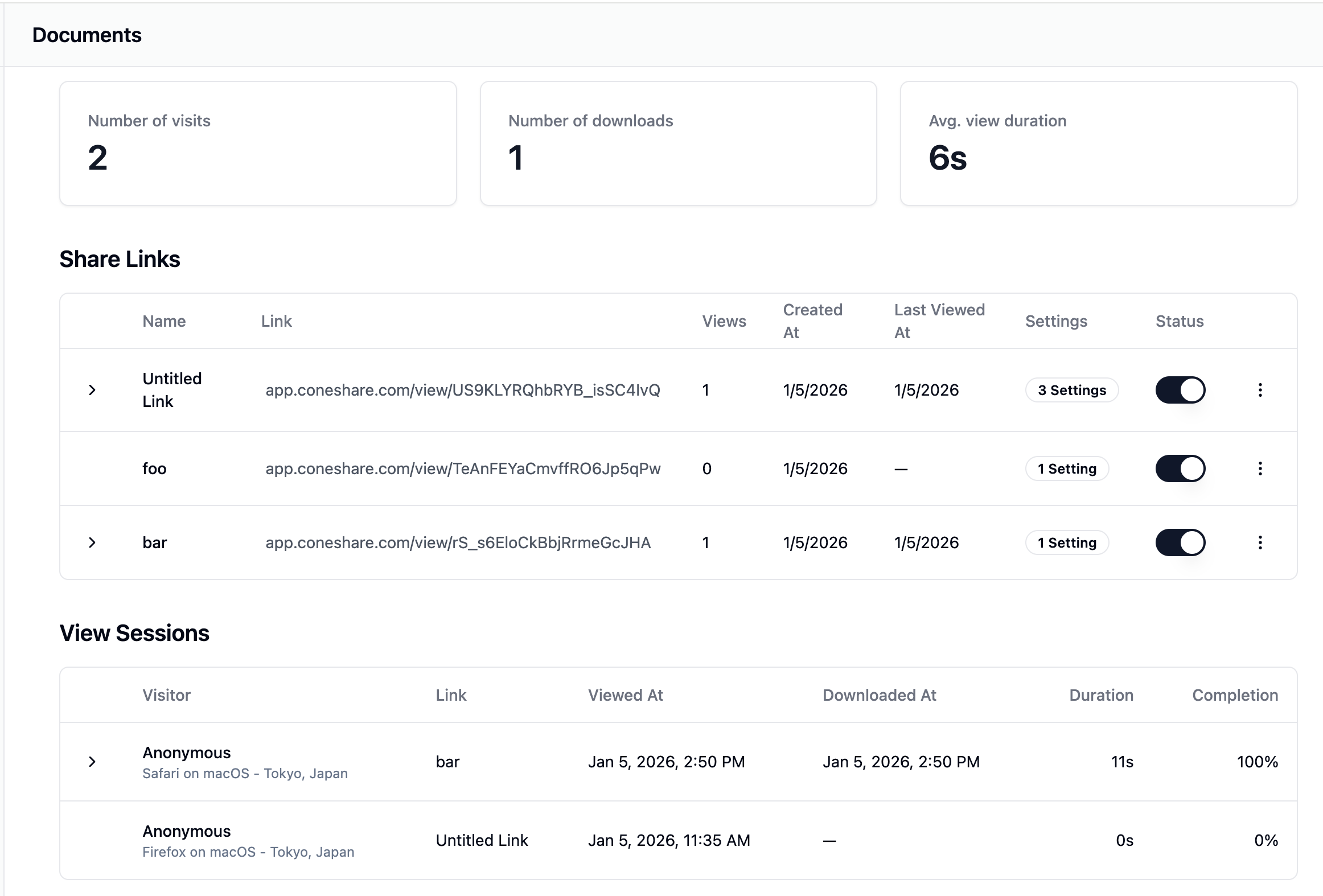
Live Document Updates
Upload new versions without breaking links. Every shared link points to the latest Coneshare version, so recipients see updated content without resending links.
Typical Workflow
- 1Set password, verification, and expiration controls on shared links.
- 2Share deck or dataroom content with external recipients.
- 3Recipients access only what their permission scope allows.
- 4Team uploads new versions without breaking active share links.
Related Use Cases
Next Step
See this feature live in Coneshare
Explore the demo environment and see how real-time activity and automation work together in practice.