
Cloud Storage Integration
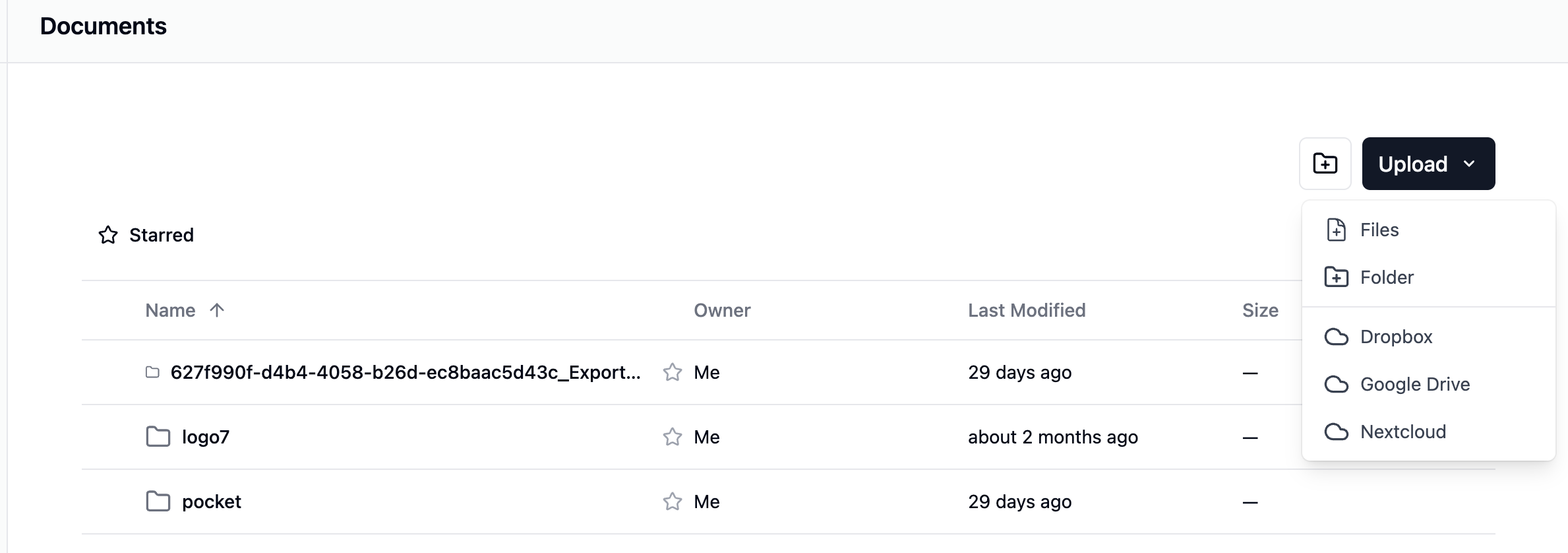
Seamlessly import files from your existing cloud storage like Dropbox, Google Drive, and Nextcloud.
Connect Your Accounts
Securely connect to popular public cloud services like Dropbox and Google Drive, as well as self-hosted private cloud platforms like Nextcloud, all via standard OAuth2.
Asynchronous Imports
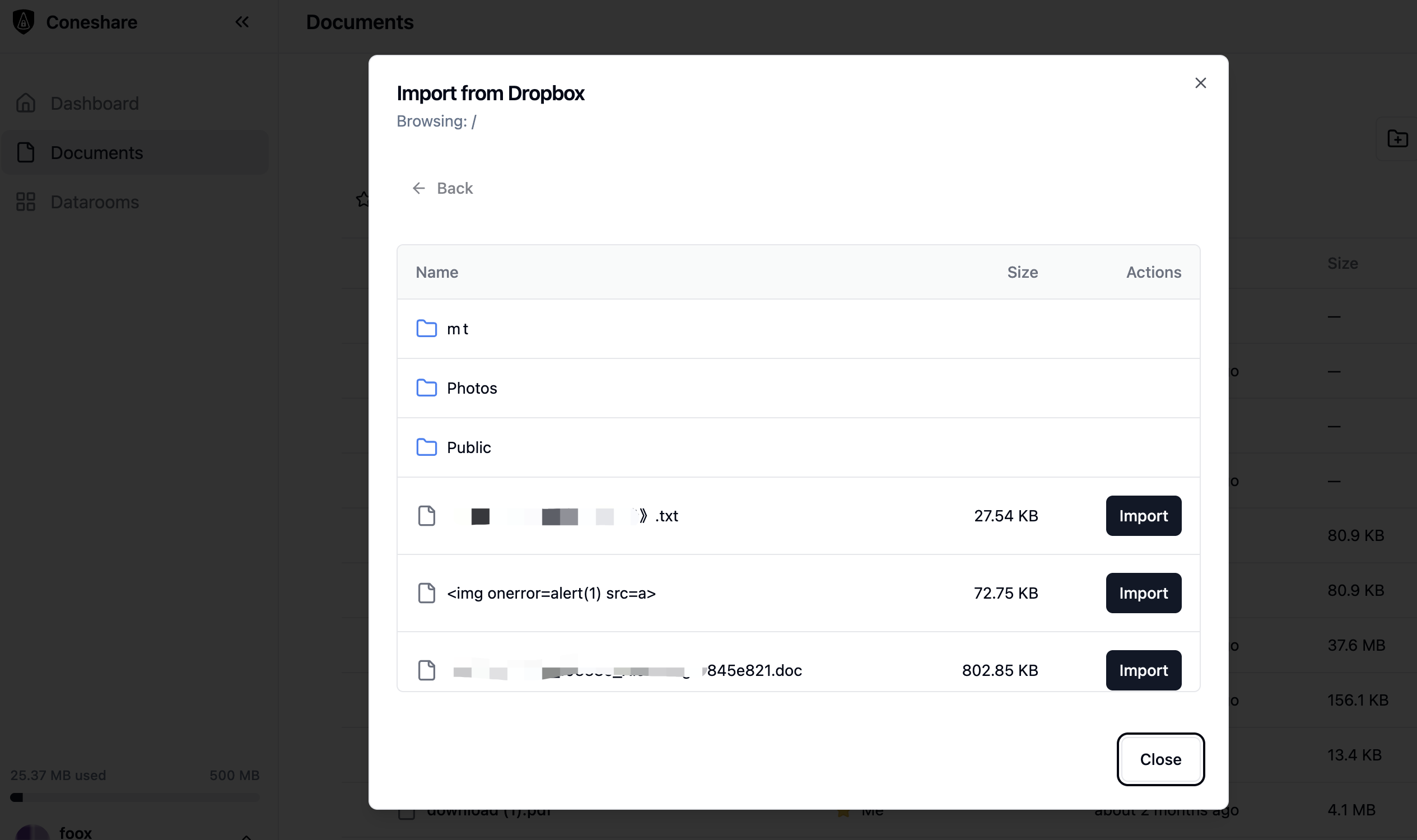
Select files to import, and Coneshare's background workers will handle the download and processing, ensuring the UI remains responsive while you work.
Typical Workflow
- 1Connect Dropbox, Google Drive, or Nextcloud accounts.
- 2Select files and launch asynchronous imports.
- 3Imported files become available for secure sharing workflows.
- 4Teams track downstream engagement from a single platform.
Related Use Cases
Next Step
See this feature live in Coneshare
Explore the demo environment and see how real-time activity and automation work together in practice.